

Local SEO service area business strategies differ from storefront tactics because Google’s algorithm trusts physical addresses more than service areas. Service area businesses face harder ranking conditions and need specialized approaches to compete.
Key Takeaways:
- Service area businesses need 40% more reviews than storefront competitors to rank equally in local search
- Hidden address GBP setup requires specific category selection, 67% of SABs use wrong categories that kill visibility
- Website optimization compensates for location disadvantage through service area pages targeting 15+ city-specific keywords
What Makes Service Area Business Local SEO Different from Storefront Rankings?

A service area business (SAB) is a company that serves customers at their locations rather than operating from a customer-facing storefront. This means plumbers, electricians, cleaning services, and contractors who travel to customer sites rather than receiving customers at a fixed retail location.
Google’s proximity factor weights physical addresses 3x higher than service areas in ranking calculations. The algorithm assumes customers prefer businesses they can physically visit, creating an uphill battle for SABs competing against storefronts in the same market.
Storefront businesses get automatic trust signals from their visible address, foot traffic patterns, and physical presence verification. SABs must compensate for these missing signals through stronger digital markers. Google can verify a restaurant exists by checking street view imagery and customer check-ins. For a plumbing service, Google relies entirely on digital validation signals.
Traditional local SEO tactics fail for SABs because they assume physical location advantages. Citation building matters less when you can’t display an address. Local directory listings provide weaker ranking boosts. Even review signals carry different weight when Google knows customers never visit your location.
The ranking threshold difference is measurable. SABs need roughly 40% more total ranking signals to achieve the same Map Pack positions as equivalent storefront competitors. This includes more reviews, stronger website authority, and deeper local content to overcome the location disadvantage built into Google’s algorithm.
How Do You Set Up Google Business Profile for Service Area Businesses?
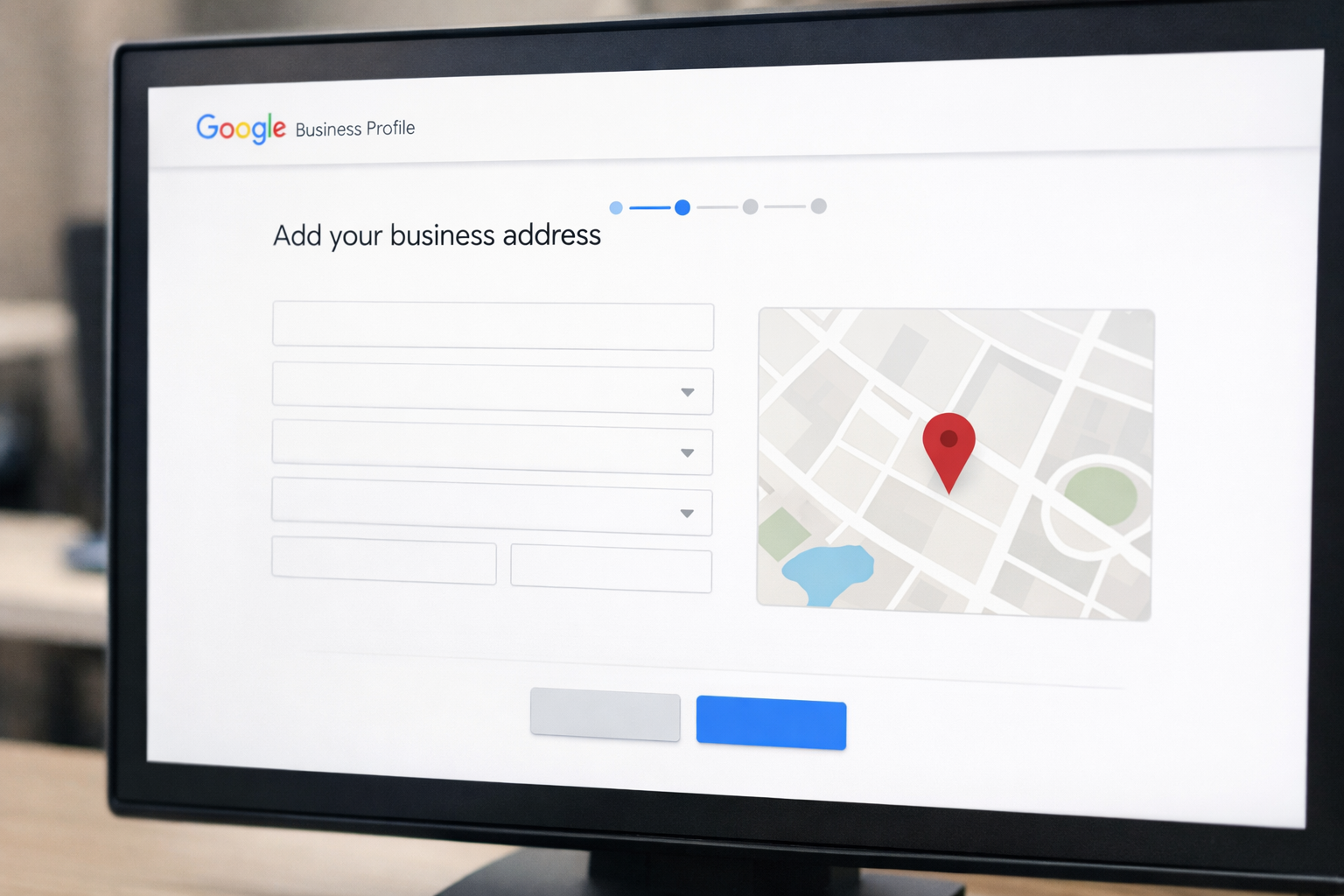
Service area businesses must configure Google Business Profile with hidden address settings to avoid confusing customers who might try to visit a non-public location.
Create your GBP account using your business address. Enter your actual business address during initial setup, even though customers won’t see it. Google needs this for verification and service area calculations.
Complete the verification process first. Get your business verified through postcard, phone, or instant verification before making any address visibility changes. Changing settings on unverified profiles triggers review delays.
Navigate to the “Service area” section in your GBP dashboard. Click “Add service area” and enter each city, ZIP code, or radius where you provide services. Start with your primary service areas only.
Hide your business address from public view. In the “Contact” section, toggle off “Show address to customers.” Your address disappears from your public profile while remaining visible to Google for ranking calculations.
Configure service area radius carefully. Google allows maximum 20 service areas per GBP. Exceeding this triggers algorithmic penalties and spam filter activation. Start with 8-12 primary areas for optimal performance.
Select SAB-appropriate primary categories. Choose categories like “Plumbing service” rather than “Plumber” or “Plumbing supply store.” Service-focused categories signal to Google that customers shouldn’t expect a physical storefront.
Add service-specific secondary categories. Include up to 9 additional categories that describe your specific services: “Drain cleaning service,” “Water heater repair,” “Emergency plumber.” Each category expands your keyword relevance.
The verification process takes 2-5 business days for most service area businesses. Don’t modify settings during verification review periods, as this resets the approval timeline.
Which Google Business Profile Categories Actually Work for Service Area Businesses?
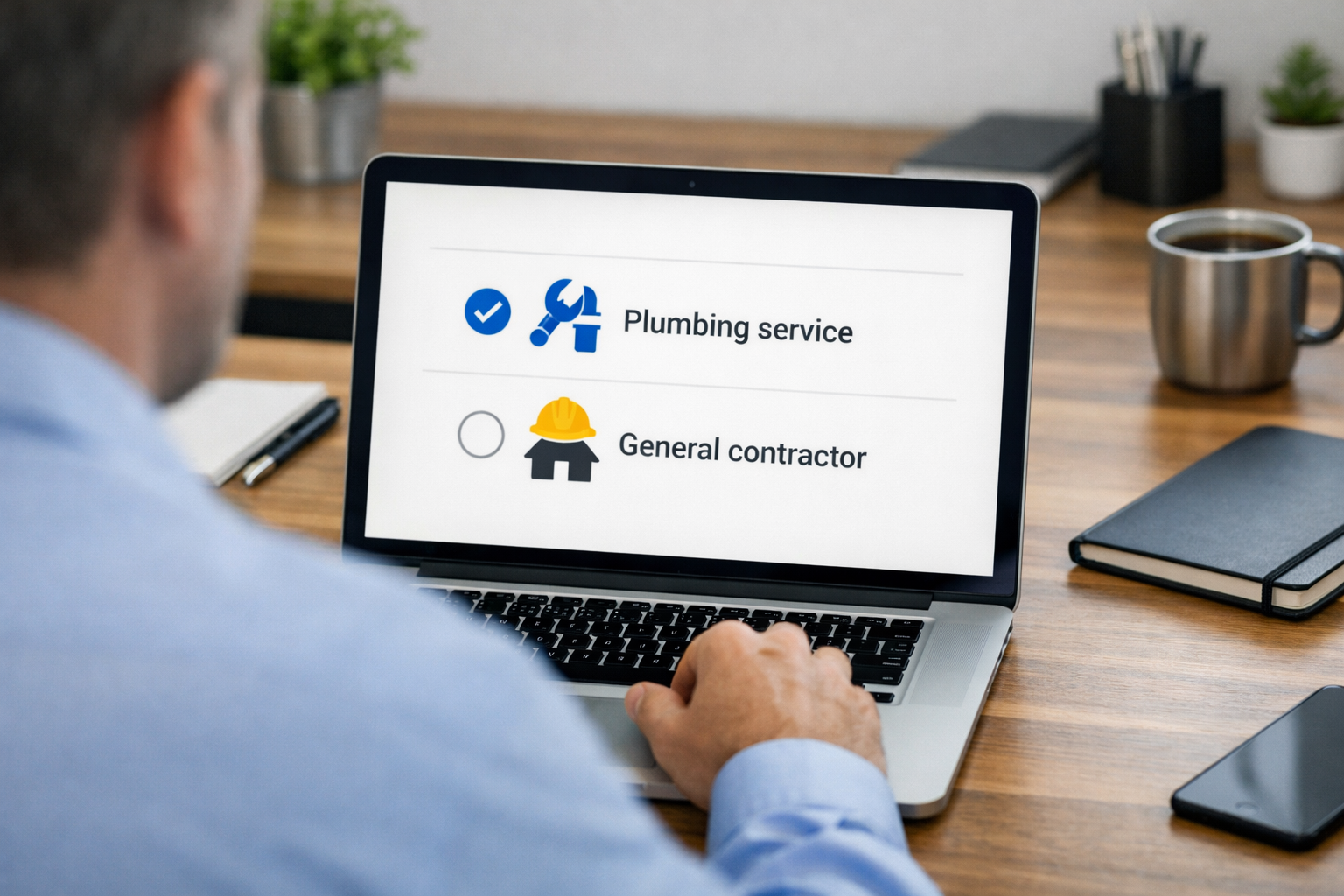
GBP categories determine ranking potential for service area businesses by signaling whether Google should expect a physical storefront or mobile service model.
| Category Type | Best For SABs | Ranking Impact |
|---|---|---|
| Service-focused | “Plumbing service”, “Cleaning service” | +45% vs hybrid categories |
| Location-neutral | “General contractor”, “Electrician” | Strong for broad services |
| Storefront-implied | “Plumbing supply store”, “Hardware store” | Triggers address requirements |
| Hybrid categories | “Restaurant delivery”, “Mobile mechanic” | Mixed signals to algorithm |
Categories like “contractor” and “service” rank 45% better for SABs than hybrid categories like “plumber store” because they don’t create storefront expectations. Google’s algorithm interprets “store” categories as requiring customer visits, which conflicts with hidden address settings.
The category hierarchy matters for multi-service SABs. Choose your highest-revenue service as the primary category. Add secondary categories that share customer intent overlap. A general contractor might use “General contractor” as primary, then add “Kitchen remodeling service,” “Bathroom remodeling service,” and “Home improvement contractor” as secondaries.
Avoid categories that imply retail operations unless you actually sell products from a storefront. “Supply store” or “equipment rental” categories trigger Google’s expectation that customers can visit your location. This creates ranking conflicts with hidden address configurations.
Google updates category options quarterly. New service-specific categories often rank better than older, broader ones because they target more specific search intent. Check your category options every 6 months and update to newer, more specific choices when available.
Why Service Area Businesses Need Different Website Optimization Strategies

Service area businesses require stronger website signals to compensate for location disadvantage in Google’s ranking algorithm.
Content depth must exceed storefront competitors. SABs need average 2,400 words per service area page to match storefront businesses with 800-word location pages. The content gap compensates for missing physical presence signals.
Schema markup becomes critical for location context. Implement LocalBusiness schema with service area specifications. Add Service schema for each offered service type. Include Review schema to maximize review snippet visibility in search results.
Internal linking architecture must connect service and location pages. Create hub pages for each major service, then link to individual city pages for that service. This builds topical authority while maintaining clear geographic relevance.
Mobile optimization carries higher ranking weight. 78% of local service searches happen on mobile devices. SABs lose more ranking points from mobile speed issues than storefront businesses because mobile users can’t fall back on visiting a physical location.
Review integration must appear throughout the website. Embed Google reviews, testimonials with locations mentioned, and case studies from different service areas. This provides social proof that compensates for the lack of visible business location.
Local NAP citations need higher volume and consistency. SABs require 60% more accurate citations across directories than storefront competitors. Each citation validates your service areas without relying on a visible address for verification.
The website architecture should mirror your service delivery model. If you provide different services in different areas, create separate pages for each service-location combination. This level of content granularity helps Google understand your actual service capabilities rather than guessing from a hidden address.
How Do You Build Service Area Pages That Actually Rank Without Looking Like Doorway Pages?

Service area pages must contain unique local data to avoid doorway page penalties from Google’s Helpful Content system. Pages with fewer than 1,200 unique words get flagged as doorway pages and removed from search results.
Start each service area page with genuine local information that only applies to that specific city. Research local building codes, permit requirements, common property types, or demographic data that affects your service delivery. A plumber in Tel Aviv might discuss the city’s older building infrastructure and pipe replacement needs, while their Haifa page covers different soil conditions affecting outdoor plumbing.
Include location-specific case studies and testimonials. Feature actual projects completed in each city with photos, customer quotes mentioning the location, and specific challenges faced in that area. This creates unique content that search engines can’t find replicated across your other city pages.
Address local competition and market context. Mention other businesses you work with in each city, local suppliers you use, or area-specific regulations that affect your service delivery. This information exists only for that location and can’t be templated across multiple pages.
Link to local government websites, utility companies, or area resources that customers in that city would need. These outbound links signal to Google that you understand the local ecosystem and aren’t just targeting keywords without local knowledge.
The internal linking structure should connect related service area pages through logical geographic or service relationships. Link nearby cities together, or connect pages that offer related services in the same area. Avoid linking every city page to every other city page, as this creates shallow link relationships.
Actually, one thing I should mention – many agencies try to shortcut this by using AI to generate location content. Google’s quality raters specifically look for templated content patterns across service area pages. If your content reads like it was generated from a template, expect traffic drops after algorithm updates.
Frequently Asked Questions
Can service area businesses rank in Google Maps without a physical address?
Service area businesses can rank in Google Maps using hidden address GBP setup. They configure service areas instead of showing a physical location, but face 30-40% higher competition thresholds than storefront businesses in the same market.
How many service areas should I add to my Google Business Profile?
Google allows up to 20 service areas per GBP, but optimal performance occurs with 8-12 areas maximum. Adding too many service areas dilutes your ranking strength and triggers Google’s spam filters for overly broad service claims.
Do service area businesses need more reviews than storefront businesses?
Service area businesses need 40-50% more reviews than storefront competitors to achieve equal Map Pack rankings. This compensates for the missing physical location trust signals that storefront businesses get automatically from their address presence.