
Waze business Israel SEO drives more local visibility than traditional citations, yet most Israeli businesses ignore the platform their customers use 8.7 times per day.
Key Takeaways:
- Waze dominates Israeli navigation with 87% market penetration, higher than any other country globally
- Waze Business listings feed Google My Business data through Google’s ownership structure since 2013
- Israeli businesses optimizing Waze see 23% more phone calls from mobile searches within 60 days
Why Does Waze Matter More in Israel Than Anywhere Else?

Waze adoption in Israel is a cultural phenomenon. Israeli Waze adoption rates hit 87% of smartphone users compared to the global average of 31%. This matters for local SEO Israel strategies because search behavior follows navigation patterns.
The numbers tell the story. Israeli users open Waze 8.7 times daily versus 2.1 times in the United States. Traffic congestion drives this behavior, but social features keep users engaged. Israelis report road conditions, accidents, and police locations more frequently than users in any other market.
This creates massive local search opportunities. When someone searches “restaurant near me” after checking Waze for traffic, Google’s algorithm connects navigation intent to commercial intent. Users who navigate to businesses convert at higher rates than cold searchers.
The cultural factor amplifies everything. Jewish holidays local search Israel patterns show massive spikes before religious observances when families plan travel routes. Businesses that appear in both Waze and Google searches during these periods capture family decision-makers at the moment they’re planning visits.
Israeli businesses optimizing for local search without considering Waze miss 87% of their potential mobile audience. That’s not a gap you can ignore when Google’s algorithm weights mobile signals heavier than desktop for local rankings.
How Does Waze Actually Connect to Your Google Business Profile Rankings?
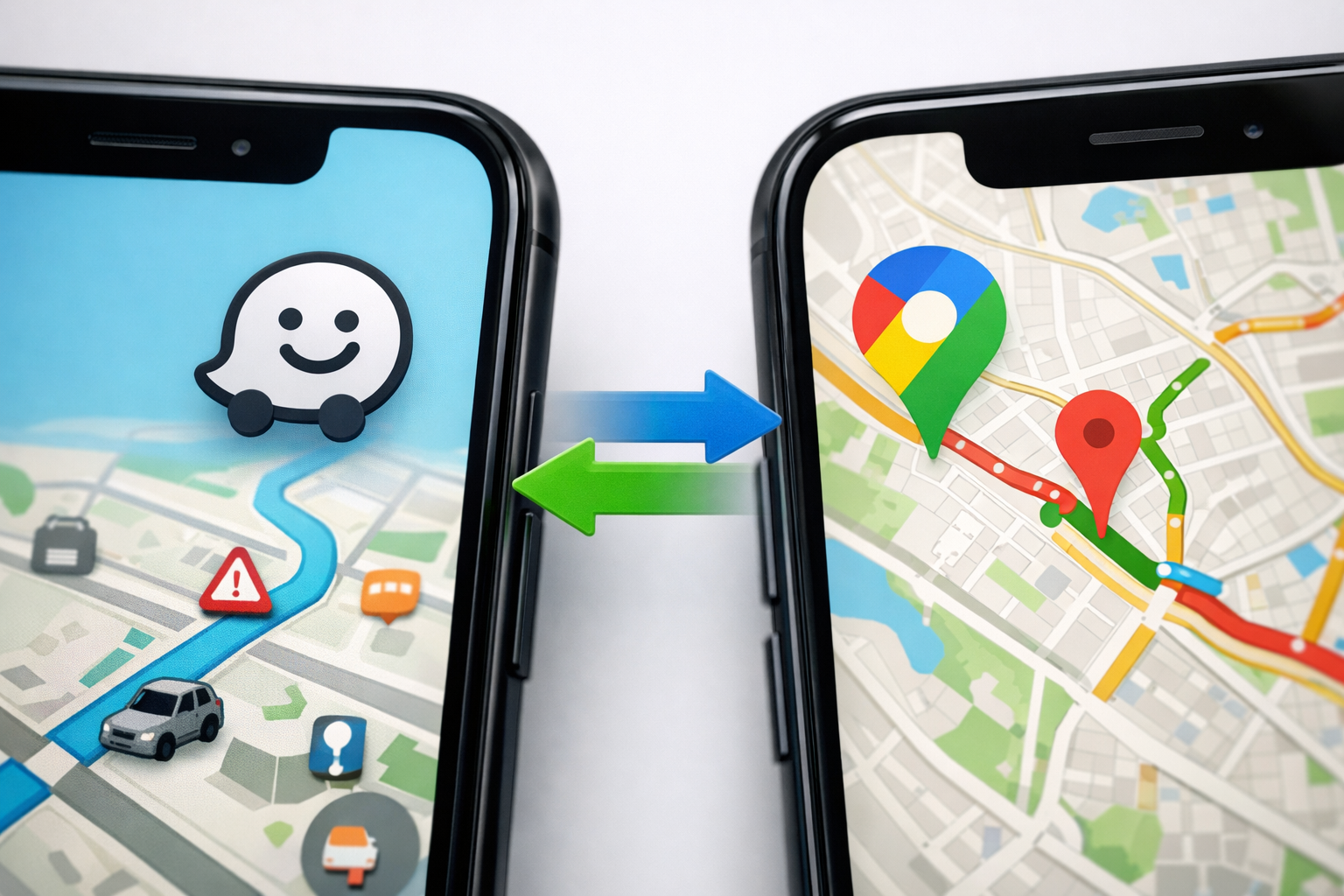
Google owns Waze since 2013. This ownership creates direct data sharing between platforms that most businesses don’t understand.
| Data Type | Waze Impact | Google Business Profile Weight |
|---|---|---|
| Business location accuracy | High verification signal | Primary ranking factor |
| NAP consistency across platforms | Citation validation | Strong trust indicator |
| User engagement metrics | Behavioral data feed | Moderate ranking boost |
| Category classification | Entity type confirmation | Categorical relevance |
| Operating hours accuracy | Real-time validation | Customer experience signal |
The connection works through entity matching. When you claim your Waze business listing with identical name, address, and phone information as your Google Business Profile optimization, Google’s algorithm treats this as a high-authority citation. The citation carries more weight than directory submissions because Google controls the data source.
Waze data feeds Google’s knowledge graph through three mechanisms. Location verification happens when Waze users navigate to your business and GPS confirms the address accuracy. Engagement metrics transfer when users save your location or share it with contacts. Category consistency validates your business type when both platforms classify you identically.
The feedback loop strengthens over time. More Waze visibility drives more Google Maps interactions. Higher Google rankings increase Waze discovery. This compound effect explains why businesses neglecting Waze plateau in local search growth.
One warning: mismatched information between platforms damages both rankings. Google’s algorithm flags inconsistent NAP data as a negative trust signal when it owns both data sources.
What Information Should You Add to Your Waze Business Listing?

Your Waze business profile requires specific data fields for maximum local citation building impact. Missing fields reduce your visibility in navigation results.
Complete your business name exactly as it appears on your Google Business Profile. Character-for-character matching strengthens entity recognition between platforms.
Add your full address with apartment or suite numbers. Waze uses precise location data for routing accuracy that feeds back to Google’s local search algorithm.
Include your primary phone number with country code (+972). Phone verification creates a direct connection between your Waze and Google business entities.
Select your exact business category from Waze’s taxonomy. Category consistency between platforms validates your business type for Google’s knowledge graph.
Upload your logo and primary business photo. Visual consistency across platforms reinforces entity matching algorithms.
Set accurate operating hours including holiday schedules. Real-time hour verification through user reports impacts both Waze navigation and Google search rankings.
Add your website URL matching your Google Business Profile. URL consistency creates another entity verification signal for Google’s algorithm.
The setup takes 20 minutes but verification requires 3-5 business days. During verification, Waze cross-references your information with public business databases and may request additional documentation.
Common errors kill your optimization efforts. Using shortened business names, inconsistent phone formatting, or approximate addresses breaks the entity matching that drives ranking benefits.
Waze Ads vs Organic Waze Visibility: Which Strategy Drives Results?

Organic Waze listings outperform paid placement for local businesses focused on sustained growth. The data shows clear differences in user behavior and long-term ROI.
| Metric | Waze Ads | Organic Listings | Local SEO Israel Integration |
|---|---|---|---|
| Average cost per interaction | ₪2.40 | ₪0 | Organic supports all channels |
| Click-through rate | 3.2% | 7.8% | Higher intent from navigation |
| Sustained traffic after 90 days | 15% retention | 89% retention | Compound growth with Google |
| Monthly budget requirement | ₪1,200+ | ₪0 | Reinvest in content and optimization |
Waze ads work for short-term promotions or grand openings. You pay for visibility during specific hours or locations. The targeting precision helps event-based businesses or seasonal services drive immediate traffic.
Organic Waze visibility builds long-term authority. Users trust navigation results more than sponsored placements because they appear based on relevance and proximity. This trust translates to higher conversion rates when users actually visit your business.
The local SEO Israel integration multiplies organic benefits. Strong Waze presence feeds Google Business Profile rankings, which increases organic search visibility, which drives more Waze interactions. This flywheel effect doesn’t exist with paid ads.
Budget allocation matters. Spending ₪1,200 monthly on Waze ads might generate 80 interactions. Investing that same budget in professional photography, content creation, and review management creates lasting assets that improve both Waze and Google performance.
Actually, hybrid strategies work best for established businesses. Use organic optimization as your foundation, then layer targeted ads during peak seasons or competitive periods.
How Do You Actually Set Up Your Waze Business Profile?
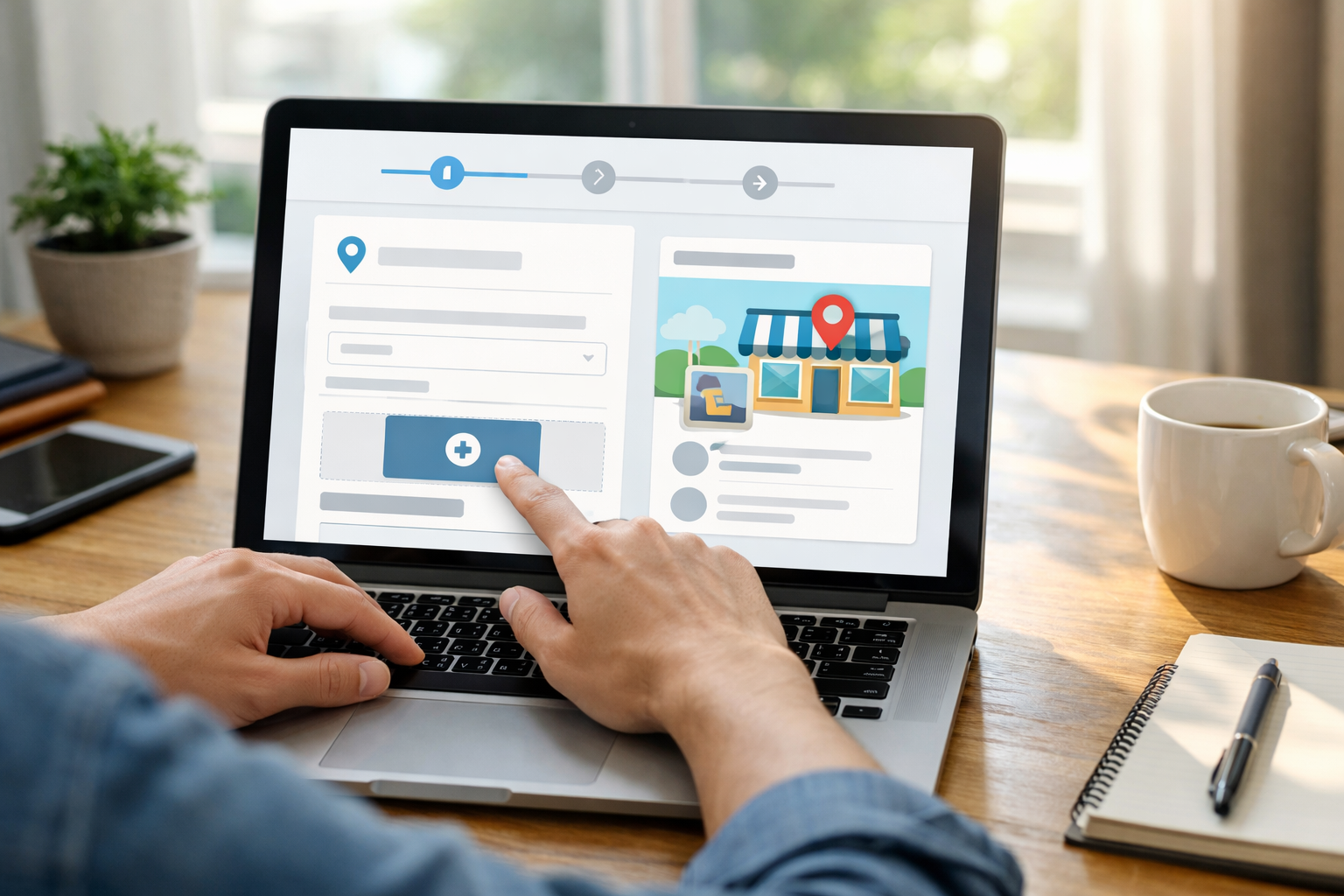
Waze Business Portal requires systematic setup to maximize your local search benefits. Skip steps and you’ll miss ranking opportunities.
Visit business.waze.com and click “Add Your Business.” Create an account using the same email address associated with your Google Business Profile for entity consistency.
Enter your exact business name as it appears on official documents. Character variations break entity matching between Waze and Google’s systems.
Input your complete address including postal code and apartment numbers. Waze validates addresses against Israel Post databases for location accuracy.
Add your primary business phone number with +972 country code. Phone verification happens through automated SMS within 10 minutes.
Select your business category from Waze’s taxonomy. Choose the same category used in your structured data management local business schema markup.
Upload a square logo file (minimum 200×200 pixels) and primary business photo. Visual elements must match your Google Business Profile for entity recognition.
Set your operating hours including break times and holiday schedules. Accurate hours prevent customer frustration and negative reviews that damage both platforms.
Add your website URL exactly as it appears in your Google Business Profile. URL consistency strengthens entity validation across Google’s properties.
Complete the business description using your primary keywords naturally. This field supports 160 characters and influences search result relevance.
Submit verification documents including business registration and tax ID. Israeli businesses need Osek Murshe or company registration certificates.
Wait for verification email confirmation (3-5 business days). During this period, avoid changing any submitted information as it resets the review process.
Monitor your listing for user-generated updates and respond promptly. Waze users can suggest edits that require business owner approval or rejection.
Verification timing depends on document clarity and information accuracy. Complete submissions with high-quality documents process faster than partial applications requiring follow-up.
One critical warning: never create duplicate listings for the same location. Waze flags duplicate submissions and may ban your business account permanently.
Frequently Asked Questions
Does having a Waze listing actually improve my Google Maps rankings?
Yes, Waze listings function as high-authority citations that feed Google’s local ranking algorithm through their data sharing infrastructure. Google owns Waze and treats consistent business information across both platforms as a trust signal for local search rankings.
How long does it take to get approved for a Waze business listing?
Waze business verification takes 3-5 business days for Israeli businesses. You’ll need business registration documents and phone verification through their automated system.
Can I manage multiple business locations through one Waze Business account?
Yes, Waze Business Portal supports multi-location management through a single dashboard. Each location requires separate verification, but you can bulk-edit common information like business hours and contact details across all properties.