
Check Google Business Profile optimization and you’ll discover most business owners think they’re done after filling out basic info. Wrong. Complete profiles get 70% more clicks, but 73% have critical gaps that kill their local visibility.
Key Takeaways:
- Complete profiles get 70% more clicks than incomplete ones in Google Maps
- NAP inconsistencies drop local rankings by an average of 23 positions
- Profiles with less than 5 photos receive 42% fewer direction requests
What Does a Fully Optimized Google Business Profile Look Like?

Optimized Google Business Profile is a complete business listing that contains accurate information across all required fields and demonstrates active engagement. This means your profile functions as a conversion machine that turns searchers into customers through Google Maps.
Google requires 7 core data fields for full profile completion: business name, address, phone number, website, hours, category, and description. But completion isn’t optimization. A truly optimized profile goes beyond the minimum requirements with regular posts, customer photos, detailed service listings, and consistent review responses.
NAP consistency forms the foundation. Your Name, Address, and Phone number must match exactly across every online mention. One digit difference in your phone number can trigger Google’s duplicate detection algorithms. Local SEO depends on this consistency signal more than any other ranking factor.
The difference between basic setup and true optimization shows in the details. Basic profiles list services. Optimized profiles describe specific problems they solve. Basic profiles upload stock photos. Optimized profiles show real customers using their services. Google Business Profile optimization Israel requires Hebrew descriptions alongside English ones to capture bilingual search traffic.
How Do You Check Your Profile’s Completion Status?

- Log into your Google Business Profile dashboard and look for the completion percentage in the top right corner
- Click “Info” in the left sidebar to see which required fields show red warning icons
- Open Google Maps and search for your business name to see how your profile appears to customers
- Use Google’s mobile app to check how your profile displays on smartphones where 76% of local searches happen
- Search your business name in an incognito browser window to see your profile without personalization filters
Google shows completion percentage directly in the dashboard for profiles under 85%. Missing fields cost you visibility in multiple ways. Incomplete profiles rarely appear in the Map Pack. Google Maps searches favor complete listings. Voice searches skip businesses with missing hours or phone numbers.
Each missing field reduces your chances of appearing in relevant searches. No website link? You lose 31% of potential traffic clicks. Missing business hours? Google can’t recommend you when customers search “open now.” Incomplete service descriptions mean you won’t match specific search queries.
The audit process takes 10 minutes but reveals gaps that cost months of lost revenue. Profile completion check reveals missing optimization elements that competitors exploit to outrank you.
Which Metrics Actually Indicate Optimization Success?

| Metric | Strong Performance | Weak Performance | Impact on Local SEO Israel |
|---|---|---|---|
| Monthly search appearances | 500+ views | Under 100 views | High visibility in Hebrew/English searches |
| Direction requests | 15+ per month | Under 5 per month | Strong local intent signals |
| Phone calls from profile | 25+ per month | Under 10 per month | Direct conversion tracking |
| Photo views | 1,000+ monthly | Under 200 monthly | Visual engagement indicator |
| Review response rate | 90%+ responses | Under 50% responses | Customer service signal |
Performance metrics measure optimization effectiveness through user behavior data. Google tracks every interaction with your profile: searches, clicks, calls, and direction requests. These signals directly influence your rankings in both Google Maps and the Map Pack.
Profiles averaging 15+ monthly searches typically rank in top 3 Map Pack positions. This correlation isn’t coincidental. High search volume indicates strong local relevance signals. Google promotes profiles that generate engagement because engagement predicts customer satisfaction.
Phone call volume provides the clearest optimization indicator. Customers call when they trust your business information and want immediate service. Low call volume usually means incomplete contact information, missing business hours, or weak service descriptions that don’t inspire confidence.
Photo view counts reveal visual engagement strength. Businesses with high photo views typically have current, relevant images that match customer search intent. Stock photos generate fewer views than real customer photos or behind-the-scenes content.
What Are the Most Common Profile Errors That Kill Rankings?

Inconsistent phone numbers across online directories – Different formats like (02) 123-4567 vs 02-123-4567 confuse Google’s matching algorithms and can trigger profile suspensions
Missing or incorrect business hours – Outdated holiday hours or permanent closures listed as temporary hurt your “open now” search visibility
Wrong primary business category – Choosing “Restaurant” instead of “Italian Restaurant” reduces your chances of appearing in specific cuisine searches
Duplicate profiles from previous owners or locations – Multiple profiles for the same business split your review authority and confuse Google’s local search algorithms
Incomplete service area descriptions – Vague coverage areas like “Tel Aviv area” miss specific neighborhood searches where you actually operate
Unverified secondary locations – Branch locations without proper verification don’t inherit authority from your main profile
Common errors damage local search rankings through algorithm penalties and reduced relevance scoring. NAP consistency issues cause the most severe damage because they trigger Google’s spam detection systems.
Inconsistent phone numbers cause 67% of profile suspensions in competitive markets. Google’s automated systems flag businesses with multiple phone number variations as potential duplicates. Manual review can take weeks, during which your profile disappears from search results.
Category mismatches reduce your search visibility for specific services. Google Business Profile optimization requires precise category selection that matches your actual service offerings. Broad categories like “Business Service” get buried under specific options like “Marketing Consultant.”
Which Free Tools Show Your Optimization Gaps?
| Tool | Primary Function | Review Management Features |
|---|---|---|
| Google Business Profile Dashboard | Direct profile management | Built-in review monitoring and response |
| Google Search Console | Search performance tracking | Review snippet appearance data |
| Google Analytics | Traffic source analysis | Review-driven traffic identification |
| Google Maps Mobile App | Customer view simulation | Review display testing |
| Google My Business API | Bulk data management | Automated review alerts |
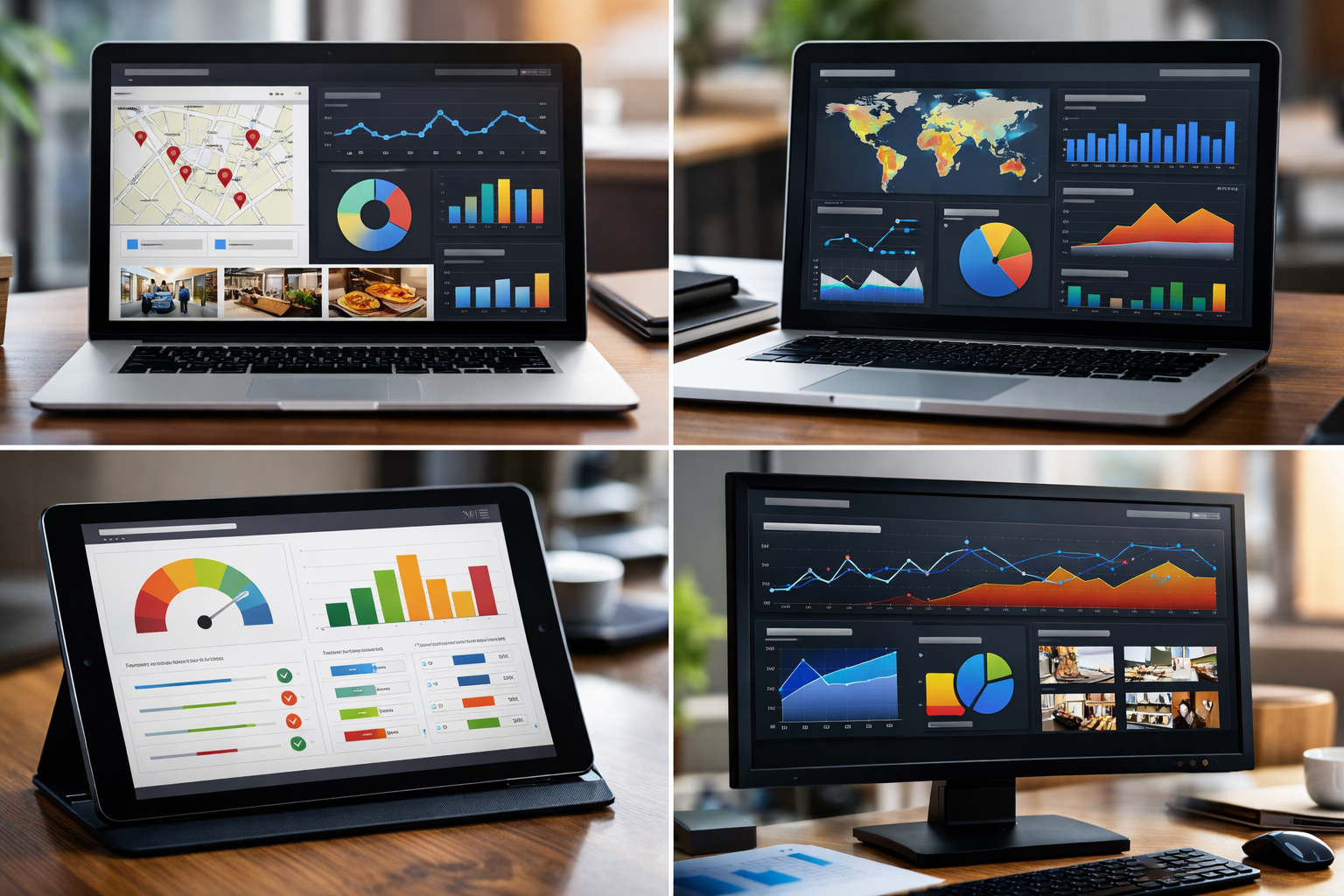
Free audit tools identify optimization weaknesses without monthly subscription costs. Google’s built-in insights show 90% of actionable optimization data without third-party tools.
Google Business Profile dashboard provides completion percentages, search performance metrics, and customer action data. The insights section shows which searches trigger your profile, peak activity times, and geographic reach. This data costs hundreds of dollars monthly from paid tools.
Google Search Console connects your profile performance to broader website analytics. You can track which Google Business Profile features drive the most website traffic and identify opportunities for better integration between your profile and main website.
Paid tools add competitor analysis and automated monitoring features. They track your rankings against local competitors and send alerts for review changes or ranking drops. But these features aren’t required for basic optimization audits.
The limitation of free tools is manual data collection. You need to check multiple dashboards to get complete performance pictures. Paid tools consolidate this data into single reports but don’t provide significantly different optimization recommendations.
How Do You Know if Your Reviews and Photos Need Work?

Review signals indicate engagement optimization needs through response patterns and rating distributions. Businesses with 4.0+ star averages get 31% more calls than those below 3.5 stars. But average rating tells only part of the story.
Review recency matters more than total count. Five recent reviews outperform fifty old ones because Google prioritizes current customer sentiment. Check your last review date. Gaps longer than 30 days suggest weak review generation processes that hurt your rankings in review management competition.
Photo performance indicators include view counts, customer engagement, and upload frequency. Google Business Profile photos should generate views proportional to your search appearances. Low photo views indicate poor image selection or outdated content that doesn’t match customer expectations.
Pivot your photo strategy when customer photos outnumber business photos 3:1. This imbalance suggests customers aren’t finding your official photos useful. Upload photos that match common customer images: menu items customers photograph, service areas customers use, or products customers buy.
Engagement rate benchmarks vary by industry, but all businesses should aim for monthly photo views exceeding 10% of search appearances. High-performing profiles often see 1 photo view per 3 search appearances. Restaurant and retail profiles typically achieve higher ratios due to visual product appeal.
Review management extends beyond responding to complaints. Active review management includes encouraging satisfied customers to share experiences, highlighting specific services in responses, and using reviews to identify operational improvements that prevent future complaints.
Frequently Asked Questions
How often should I check my Google Business Profile optimization?
Check your profile monthly for basic metrics and quarterly for complete audits. Google updates ranking factors regularly, so consistent monitoring catches drops before they hurt traffic. Set up Google Business Profile notifications to catch immediate issues like policy violations.
What’s the fastest way to spot if my NAP information is inconsistent?
Search your exact business name in quotes on Google and scan the first 20 results for different phone numbers or addresses. Use Google’s ‘My Business’ app to check how your information appears across Google services. Inconsistencies usually show up within the first few search results.
Do I need paid tools to properly audit my Google Business Profile?
No, Google provides 80% of the data you need through Google Business Profile insights and Google Search Console. Free tools like Google Analytics show traffic from your profile. Paid tools add competitor analysis and automated monitoring, but aren’t required for basic optimization.
How long does it take to see results after fixing optimization issues?
Basic fixes like completing missing fields show results within 2-4 weeks. NAP consistency corrections can take 6-12 weeks to fully propagate across Google’s systems. Review improvements and photo updates typically impact rankings within 3-6 weeks of implementation.