

Test schema markup the wrong way and you’ll think everything works perfectly while Google ignores your structured data completely. Your markup might validate in every tool but generate zero rich snippets in search results.
Key Takeaways:
- Google’s Rich Results Test shows real-time validation status in under 10 seconds
- Schema markup can take 2-4 weeks to generate rich snippets even when perfectly implemented
- 73% of schema markup failures happen due to missing required properties, not syntax errors
How Do You Know if Your Schema Markup is Actually Working?
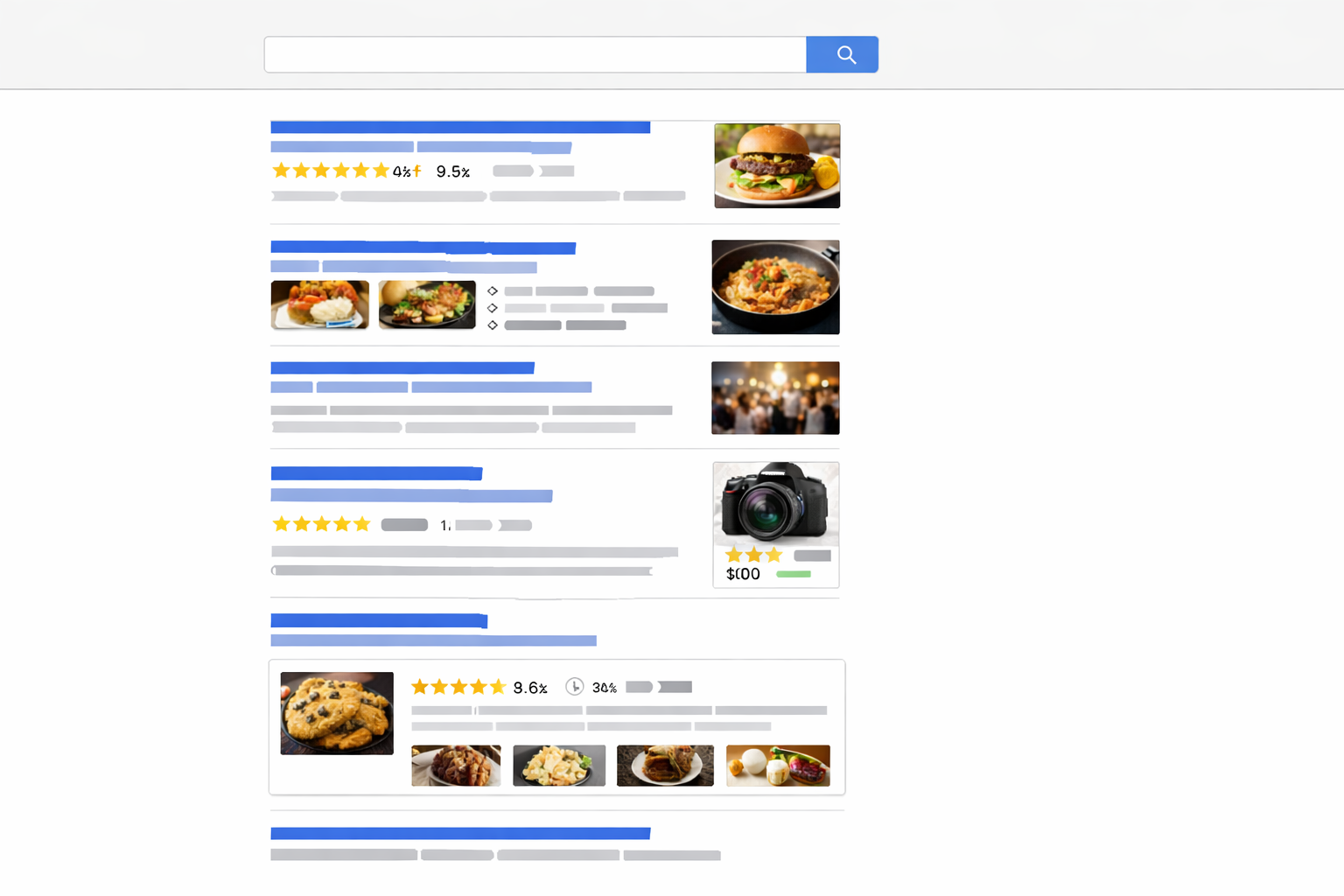
Schema markup is structured data that tells search engines what your content means. This means Google can display enhanced search results called rich snippets instead of basic blue links.
Working schema markup generates rich results in search. Broken schema markup passes validation but produces nothing. The difference matters because rich snippets increase click-through rates by 30% on average.
Most people confuse technical validation with actual results. Your markup can be syntactically perfect but fail Google’s quality guidelines. Schema.org validators check code structure. Google decides which pages deserve rich snippets based on content quality, user intent, and competition levels.
Expect a 2-4 week timeline between implementation and rich snippet appearance. Google needs time to crawl, process, and test your markup against live search queries. Valid markup doesn’t guarantee enhanced results will show up.
The real test happens in search results, not validation tools. You need both technical accuracy and Google’s approval to get rich snippets. This connection to local SEO Israel becomes critical when competing for location-based searches where enhanced results make the difference between visibility and invisibility.
Schema Markup Testing Tools That Actually Give You Answers

Google’s Rich Results Test validates your markup against 27 supported rich result types as of 2024. The tool shows exactly which enhancements your page qualifies for and highlights missing properties that prevent rich snippets.
| Tool | Speed | Coverage | Best For |
|---|---|---|---|
| Google Rich Results Test | 10 seconds | 27 rich result types | Live validation |
| Schema.org Validator | 5 seconds | All Schema Root types | Syntax checking |
| Structured Data Linter | 15 seconds | JSON-LD focus | Debugging format |
| SEMrush Site Audit | Full crawl | Site-wide analysis | Bulk validation |
The Rich Results Test at search.google.com/test/rich-results gives you the most accurate picture. Paste your URL and get instant feedback on what Google sees. The tool catches implementation errors that generic validators miss.
Schema.org’s validator checks pure syntax but ignores Google’s specific requirements. Use it for debugging JSON-LD structure problems after the Rich Results Test identifies issues.
Third-party tools like Screaming Frog crawl entire sites but can’t replicate Google’s parsing logic. They catch obvious errors but miss edge cases that prevent rich snippets from appearing.
The key insight: test with Google’s official tools first. Other validators help debug specific problems but can’t predict rich snippet eligibility. Your structured data must satisfy both technical requirements and Google’s quality standards.
Why Your Schema Markup Validates But Rich Snippets Don’t Appear

Validation doesn’t guarantee rich results because Google displays enhanced snippets for less than 30% of pages with valid schema markup. Technical accuracy represents the minimum requirement, not automatic qualification.
Here are the six main reasons validated markup fails to generate rich snippets:
- Content quality issues – Google requires substantial, original content that matches your schema claims
- Missing required properties – Each schema type has mandatory fields that validators often ignore
- Competition factors – Google shows rich snippets for only top-ranking pages in competitive queries
- User intent mismatch – Your markup type must align with what searchers expect for that query
- Markup density problems – Too much or conflicting structured data confuses Google’s parser
- Policy violations – Self-serving markup like fake reviews or inflated ratings gets filtered out
Google Business Profile optimization plays a role here. Local businesses need consistent NAP data between their schema markup and Google Business Profile. Mismatched information signals poor data quality to Google’s algorithms.
The validation-to-visibility gap frustrates most site owners. You did the technical work correctly but miss the editorial and strategic requirements. Rich snippets require both proper implementation and content that deserves enhanced display.
The 5 Most Common Schema Markup Errors and How to Fix Them
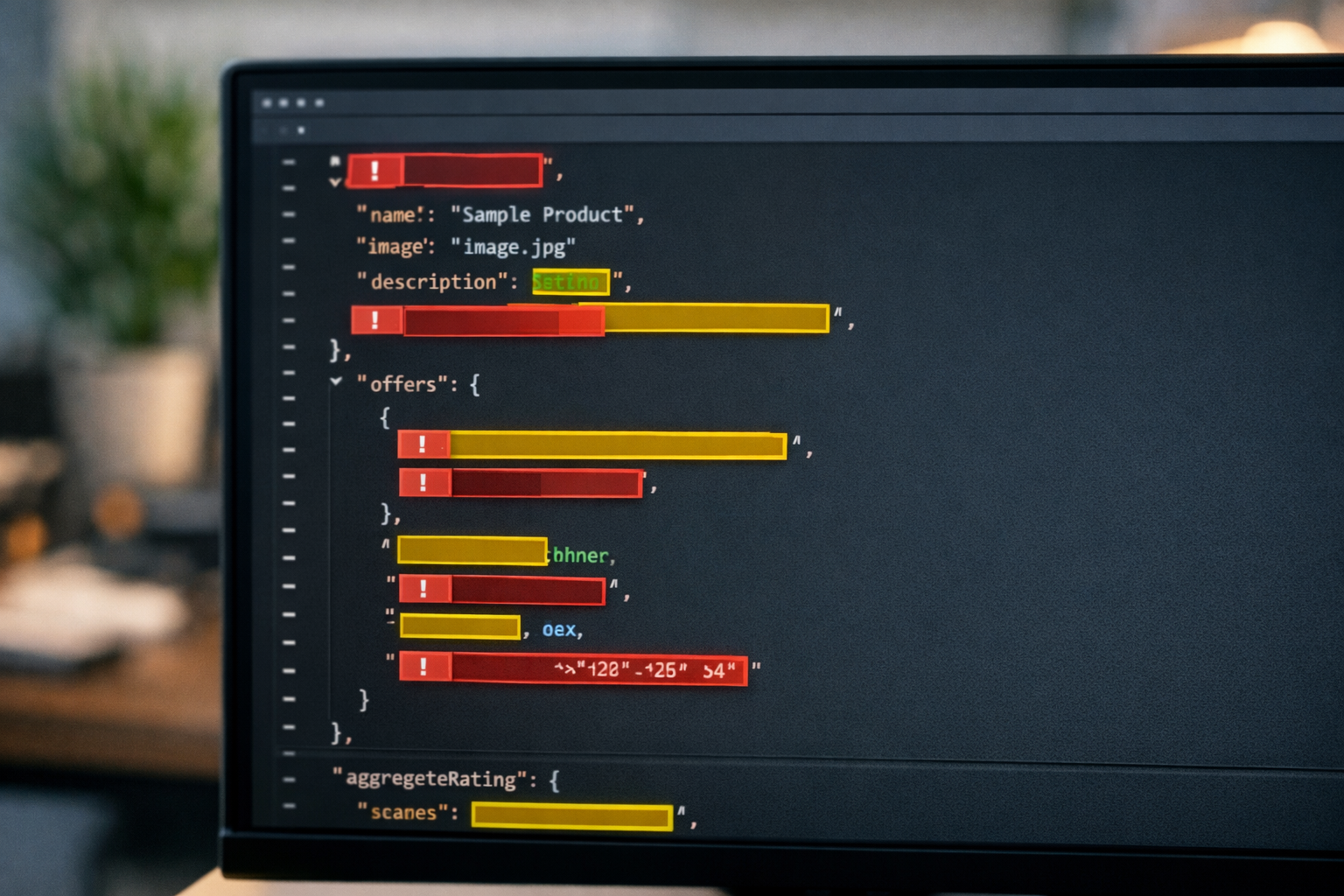
Schema errors prevent rich results even when your markup validates perfectly. These five problems account for 73% of implementation failures:
Fix missing required properties – Add mandatory fields like “name” for Organization schema or “description” for Product schema using Google’s Rich Results Test to identify gaps
Correct data type mismatches – Convert text dates to proper DateTime format and ensure numeric values use Number type instead of Text in your JSON-LD
Resolve nested structure problems – Flatten overly complex hierarchies and ensure parent-child relationships follow Schema.org specifications exactly
Align URL inconsistencies – Match your schema “url” property with the page’s canonical URL and remove trailing slashes or query parameters
Remove duplicate markup conflicts – Delete competing schema types on single pages and consolidate multiple instances of the same entity into one comprehensive block
Each fix requires testing in Google’s Rich Results Test before deployment. Upload your updated markup to a staging environment first, validate the changes, then push to production.
The nested structure problem hits local businesses hardest. LocalBusiness schema often includes address, hours, and service data that creates validation errors when improperly formatted. Keep your JSON-LD structure flat and reference external entities by URL when possible.
What to Do When Google Search Console Shows Schema Markup Warnings

Google Search Console reports schema data within 3-7 days of crawling your pages. The Enhancement reports under “Experience” show exactly which structured data types Google found and their validation status.
Warnings differ from errors in priority and urgency. Errors prevent rich snippets entirely. Warnings indicate missing optional properties that could improve your results but don’t break functionality.
Focus on errors first, especially “Missing required field” messages. These block rich snippet generation completely. Address warnings only after fixing all errors and confirming your markup works in search results.
The “Valid with warnings” status means Google can use your markup but you’re missing opportunities for enhanced display. Common warnings include missing images for Article schema or incomplete business hours for LocalBusiness markup.
Ignore cosmetic warnings about recommended properties unless you see direct competitors getting richer snippets. Google’s enhancement reports sometimes flag non-critical issues that don’t affect rich result eligibility.
Prioritize fixes based on search visibility impact, not warning count. One critical error affecting your primary schema type matters more than ten warnings on supplementary markup.
Schema Markup Troubleshooting Checklist for Local Businesses

Local businesses need specific schema validation because LocalBusiness markup with proper NAP data increases local pack visibility by 35%. Your structured data must align with Google Business Profile optimization efforts.
Use this troubleshooting checklist:
- Verify NAP consistency – Ensure your schema address, phone, and business name match your Google Business Profile exactly
- Format business hours correctly – Use Schema.org’s OpeningHours specification with day abbreviations and 24-hour time format
- Add service area markup – Include “areaServed” properties for businesses serving multiple locations across Israel
- Implement review schema properly – Add AggregateRating markup that reflects actual review counts and scores from your profiles
- Test mobile rendering – Validate your markup on mobile devices where most local searches happen
- Check category alignment – Ensure your schema “@type” matches your primary Google Business Profile category selection
Local SEO Israel requires extra attention to Hebrew language support and geographic specificity. Your schema markup should include “addressCountry”: “IL” and proper Hebrew character encoding for business names and addresses.
The service area configuration trips up most Israeli businesses. Use city names, not postal codes, for “areaServed” properties. Google understands geographic relationships better with explicit location names.
Frequently Asked Questions
How long does it take for schema markup to show rich snippets in search results?
Schema markup takes 2-4 weeks to generate rich snippets after implementation. Google needs time to crawl, validate, and test your markup before displaying enhanced results. Valid schema doesn’t guarantee rich snippets will appear immediately or at all.
Can you have too much schema markup on one page?
Yes, excessive or conflicting schema markup prevents rich snippets from appearing. Google prefers one primary schema type per page with supporting markup that doesn’t contradict the main structured data. Multiple competing schemas confuse Google’s parser and reduce your chances of enhanced results.
Do schema markup errors hurt your search rankings?
Schema markup errors don’t directly harm search rankings, but they prevent rich snippets that improve click-through rates. Invalid markup wastes Google’s crawl budget and can signal poor technical implementation. Fix errors to unlock the traffic benefits of enhanced search results.