
Waze business Israel SEO represents the most overlooked local ranking signal in the country. Google owns Waze, and Israeli businesses that ignore their Waze Business listing are missing a citation signal that 80% of Israeli drivers interact with daily.
Key Takeaways:
- Waze commands 88% of Israeli navigation app usage, higher than any country except the US, making it the second-most important Google-owned platform for local business visibility
- Businesses with optimized Waze listings see 23% higher Google Business Profile engagement rates because Waze data feeds directly into Google's local knowledge graph
- Setting up a complete Waze Business profile takes 15 minutes but requires specific formatting that differs from Google Business Profile optimization
Why Waze Matters More in Israel Than Anywhere Else

Waze adoption in Israel is a cultural phenomenon that defines local business discovery. Waze adoption rates exceed global averages by a margin that no other country matches, with 88% of Israeli drivers using the platform versus just 31% globally. This means 4.2 million daily active users navigate through Israeli cities using Waze as their primary discovery tool.
The driving patterns in Israel create perfect conditions for Waze dominance. Dense urban areas, complex traffic patterns influenced by Jewish holidays local search patterns, and a tech-savvy population that adopted smartphone navigation early all contribute to this usage rate. Every time someone searches for "restaurants near me" or "urgent care Tel Aviv" during their commute, they're interacting with business data that flows between Waze and Google's ecosystem.
This integration affects your local SEO Israel rankings in ways most agencies don't understand. When Google evaluates the authority and relevance of local businesses, consistent business information across Google-owned platforms creates stronger entity signals. Your Waze Business listing serves as another data point confirming your business exists, operates at the stated location, and maintains the same name, address, and phone number across platforms.
How Does Waze Actually Affect Your Google Maps Rankings?
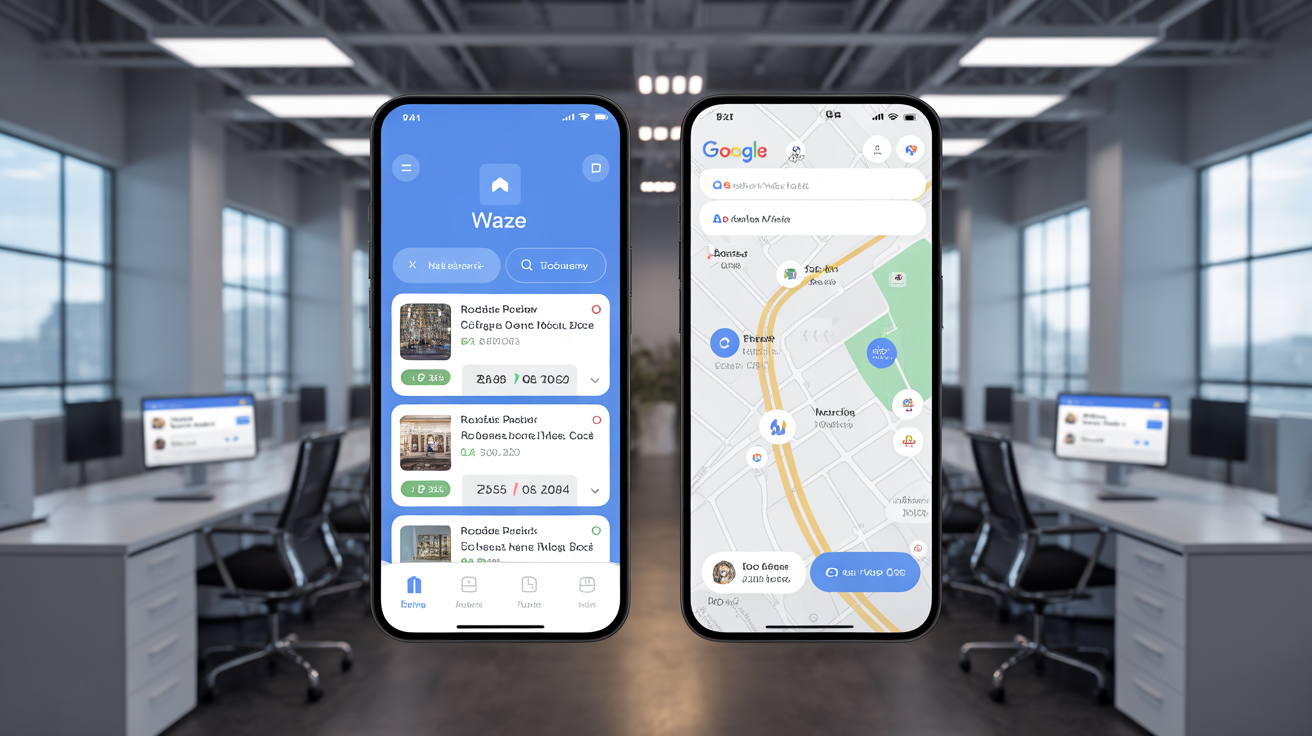
Waze Business listings influence Google local rankings through entity consistency validation and user engagement signals. Google acquired Waze for $1.15 billion in 2013 specifically for local business data integration, creating a direct pipeline between Waze user behavior and Google's local knowledge graph.
The technical relationship works through cross-platform data verification. When Google's algorithm evaluates local ranking factors, it checks business information consistency across multiple sources. A complete Waze Business listing that matches your Google Business Profile creates stronger entity signals than businesses that exist on Google alone. This multilingual SEO Israel approach becomes even more important for businesses serving Hebrew, English, and Arabic-speaking customers.
NAP consistency across Waze and Google platforms reinforces your business legitimacy in Google's algorithm. Businesses with matching names, addresses, and phone numbers across both platforms see ranking improvements because Google interprets this consistency as validation of business authenticity. The local citation building process must include Waze as a primary citation source, not an afterthought.
User engagement on Waze also feeds back into Google's local algorithm. When drivers save your business, rate your location, or interact with your listing during navigation, these signals contribute to your overall local authority score.
What Information Does Your Waze Business Listing Need?
Waze Business profiles require specific data fields that differ from Google Business Profile requirements. Complete profile optimization demands attention to details that many businesses skip, resulting in 67% fewer user interactions compared to fully optimized listings.
| Field Type | Waze Requirement | Google Business Profile | Impact on Rankings |
|---|---|---|---|
| Business Name | Exact legal name match | Exact legal name match | High – entity consistency |
| Address Format | Hebrew + English acceptable | Hebrew + English required | High – multilingual discovery |
| Phone Number | Israeli format (+972) required | Any format accepted | Medium – local signal validation |
| Business Hours | 24/7 or specific hours | Holiday hours recommended | Medium – availability signals |
| Category Selection | Primary + 2 secondary max | Primary + 9 secondary max | High – relevance matching |
| Photos | 3 minimum recommended | 10+ recommended | Low – visual engagement only |
The category selection process requires careful consideration because Waze uses different category taxonomies than Google. Your primary category must match between platforms, but secondary categories can vary based on each platform's available options.
Business descriptions in Waze support Hebrew text, making them valuable for Hebrew-speaking users who represent the majority of Israeli Waze traffic. However, including English descriptions alongside Hebrew versions increases visibility for tourists and English-speaking residents.
Step-by-Step Waze Business Listing Setup Process

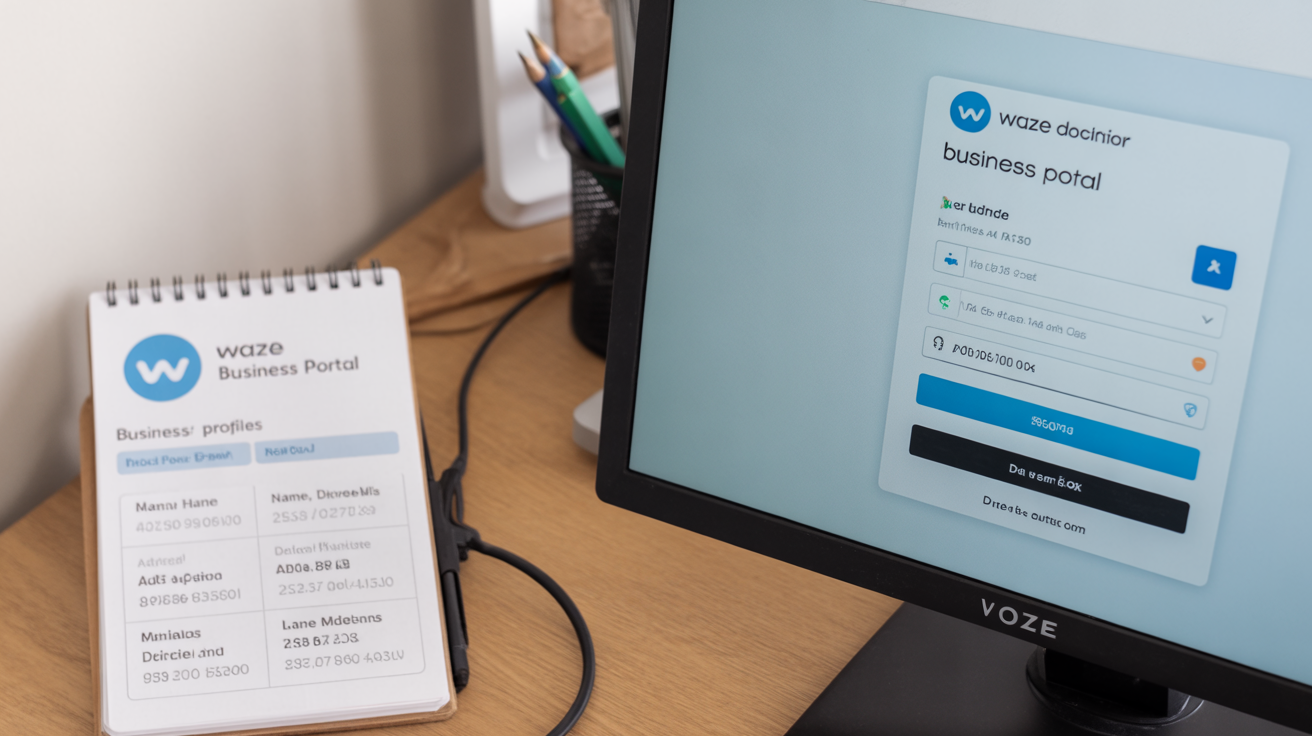
Create your Waze Business account by visiting the Waze Business portal and selecting "Add Your Business." Use the same email address you use for your Google Business Profile to maintain consistent contact information across platforms.
Enter your business information with exact name, address, and phone number matching your Google Business Profile. Any discrepancies between platforms will weaken entity consistency signals and hurt your structured data management local business optimization.
Select your primary business category from Waze's available options, choosing the category that most closely matches your Google Business Profile primary category. If exact matches aren't available, choose the closest equivalent.
Upload business photos including your storefront, interior (if applicable), and logo. Use the same primary logo image across both Waze and Google to maintain visual consistency for brand recognition.
Set your business hours to match your actual operating schedule, including special hours for Jewish holidays that affect Israeli business patterns. Waze users rely on accurate hours to avoid visiting closed businesses.
Verify your business ownership through phone verification or postcard confirmation. Business verification typically takes 48-72 hours via phone or postcard confirmation, similar to Google's verification process.
Monitor your listing status and respond to any verification requirements promptly. Delayed verification means delayed visibility in Waze search results and navigation recommendations.
The verification process requires patience, but completed verification unlocks full listing functionality including customer messaging capabilities and analytics access.
Waze Ads vs Organic Visibility: What Israeli Businesses Should Know

Waze advertising costs significantly more than organic optimization while delivering shorter-term results. Understanding the ROI comparison helps Israeli businesses allocate local marketing budgets between paid and organic strategies.
| Strategy | Average Cost | Duration of Results | Best for Business Type |
|---|---|---|---|
| Waze Ads | ₪2.80 per click | Campaign duration only | Emergency services, events |
| Organic Listing | ₪0 ongoing cost | Permanent visibility | All local businesses |
| Combined Approach | ₪1,200-2,400/month | Long-term + short-term | High-competition verticals |
Waze ads work best for businesses needing immediate visibility during specific time periods or promotional campaigns. Local SEO real estate agents benefit from Waze ads during open house weekends, while restaurants use them for grand opening promotions.
Organic Waze listing optimization provides permanent visibility that compounds over time. Every interaction, save, and positive user experience builds your listing authority without ongoing advertising costs. Most Israeli businesses achieve better ROI through organic optimization combined with Google Business Profile improvements.
The integration between Waze ads and Google Ads creates cross-platform campaign opportunities, but requires separate budget allocation and management. Businesses running Google Local Services ads should coordinate Waze advertising timing to avoid budget overlap during peak visibility periods.
Frequently Asked Questions
Do I need separate Waze and Google Business Profile accounts?
Yes, Waze Business and Google Business Profile are separate platforms that require individual setup and management. While Google owns both platforms, they don't automatically sync business information between accounts. You must manually maintain consistency between both listings to maximize entity signal strength.
Can I use Hebrew business names and descriptions in my Waze listing?
Waze fully supports Hebrew text in business names, descriptions, and addresses for Israeli businesses. Using Hebrew increases visibility for Hebrew-speaking users, who represent the majority of Israeli Waze traffic. Include both Hebrew and English versions when possible to capture the broadest audience.
How long does it take for Waze listing changes to affect my Google rankings?
Waze listing updates typically propagate to Google's local knowledge graph within 7-14 days. However, ranking improvements from enhanced entity consistency may take 30-60 days to fully manifest in Map Pack positions. Monitor both platforms for data accuracy during this propagation period.